Domain SearchInstantly check and register your preferred domain name
 Web Hosting
 cPanel HostingHosting powered by cPanel (Most user friendly)
 KE Domains
 Reseller HostingStart your own hosting business without tech hustles
 Windows HostingOptimized for Windows-based applications and sites.
 Free Domain
 Affiliate ProgramEarn commissions by referring customers to our platforms
 Free HostingTest our SSD Hosting for free, for life (1GB storage)
 Domain TransferMove your domain to us with zero downtime and full control
 All DomainsBrowse and register domain extensions from around the world
 .Com Domain
 WhoisLook up domain ownership, expiry dates, and registrar information
 VPS Hosting
 Managed VPSNon techy? Opt for fully managed VPS server
 Dedicated ServersEnjoy unmatched power and control with your own physical server.
 Website Builder
 Online Store BuilderLaunch a professional e-commerce store without writing code.
 Web Design ServiceGet a custom-designed website tailored to your brand and goals. From just KES 15,600
 BlogRead our guides on web hosting, online business, digital marketing, and more
 SupportOur support guides cover everything you need to know about our services
 ContactContact us via chat or email
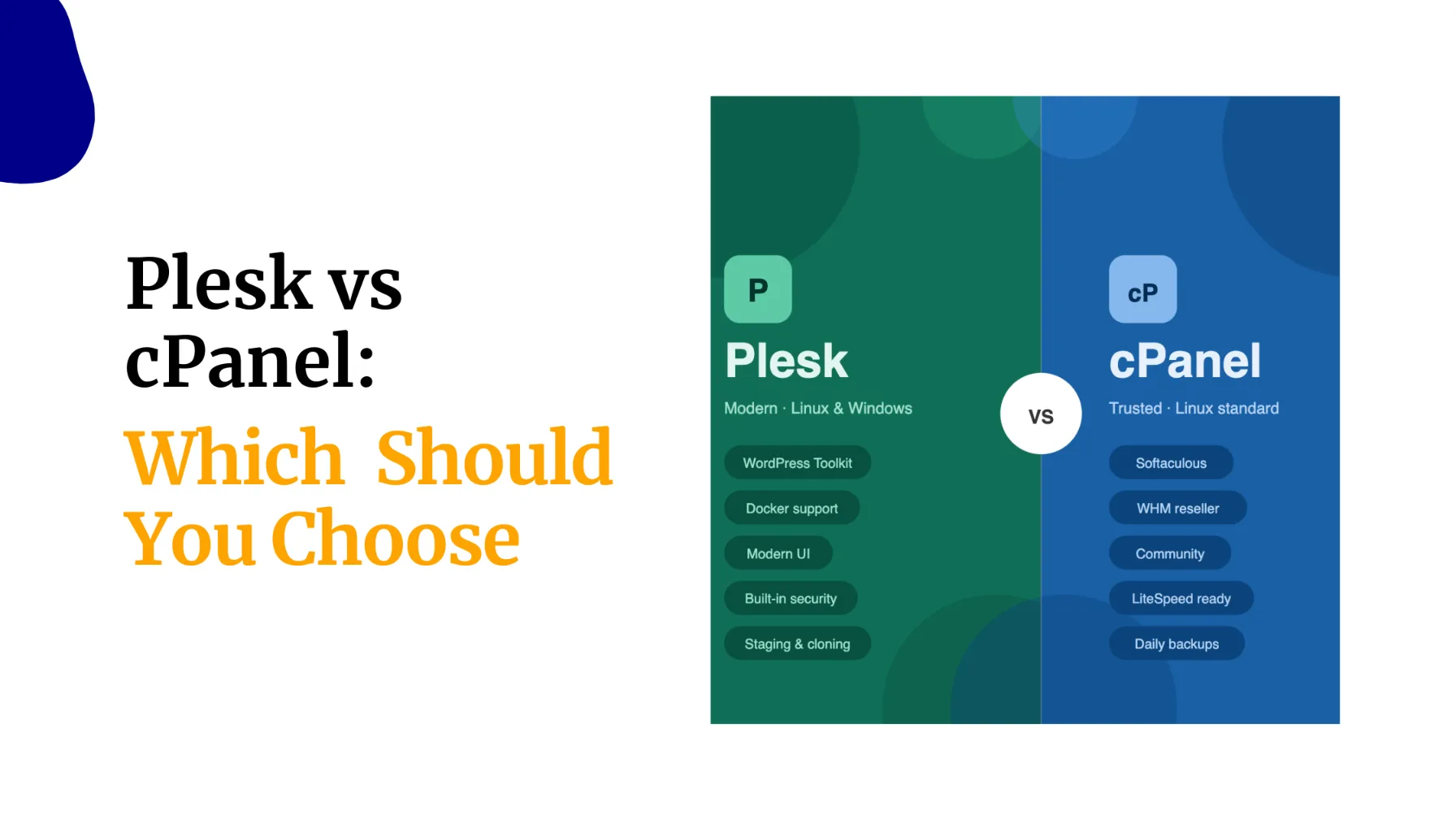
Which one between cPanel and CyberPanel actually gives your WordPress site an edge?
The answer depends on what you value most in your hosting environment. If your priority is speed and server performance, CyberPanel often has the advantage. If you prefer simplicity, broad compatibility, and access to a mature ecosystem, cPanel remains the stronger choice.
CyberPanel is integrated with LiteSpeed technologies and has a lightweight approach to server management.
On the other hand, cPanel stands out for its user-friendly interface, extensive documentation, and wide range of third-party integrations that make day-to-day management easier.
Those features, and more, come in handy at different stages of managing a WordPress site, but your specific goals determine what will work for you better. .
Let’s compare CyberPanel and cPanel side by side and arrive at a clear recommendation based on your specific WordPress needs and priorities.
CyberPanel vs cPanel: What They Are & How They Handle WordPress
| Category | CyberPanel | cPanel |
|---|---|---|
| What it is | Free, open-source panel built on OpenLiteSpeed | Industry-standard paid panel running on Apache/NGINX |
| Cost | Free (core version, forever) | Paid licence (~$29.99+/month, scales per account) |
| Best environment | VPS / Cloud servers | Shared hosting & client-managed environments |
| Web server | OpenLiteSpeed exclusively | Apache, NGINX, or LiteSpeed (paid add-on) |
| PHP handling | LSAPI – faster, lower overhead | mod_php or PHP-FPM via Apache |
| WordPress caching | Native LSCache (edge caching, DB cleanup, image optimisation – no plugin purchase needed) | Requires external plugins (WP Rocket, W3 Total Cache, etc.) |
| Out-of-box WP speed | Very fast – no extra configuration needed | Good – fast only with paid LiteSpeed Enterprise add-on |
| RAM requirement | Runs comfortably on 1–2 GB | Needs 2–4 GB minimum for stable operation |
| Learning curve | Moderate – requires basic VPS/server familiarity | Low – the most beginner-friendly panel in the industry |
| Interface | Modern dark-themed dashboard, React-based, sidebar navigation | Classic icon-grid layout, dense but universally familiar |
| Email management | Basic – many users offload to Google Workspace or MXroute | Strong – Roundcube, SpamAssassin, forwarders built in |
| Support | Community forums, GitHub – no official paid support | Official paid support + massive community documentation |
| Ecosystem | Growing – leaner add-on library | Mature – Softaculous, Immunify360, JetBackup, and more |
The core distinction: CyberPanel was built with performance as the default. cPanel was built with manageability as the default. For WordPress specifically, that difference is everything.
Is CyberPanel Better Than cPanel for WordPress Performance?
a) OpenLiteSpeed vs Apache – What It Means for WordPress
The biggest reason developers lean toward CyberPanel for WordPress is what sits underneath it: OpenLiteSpeed (OLS).
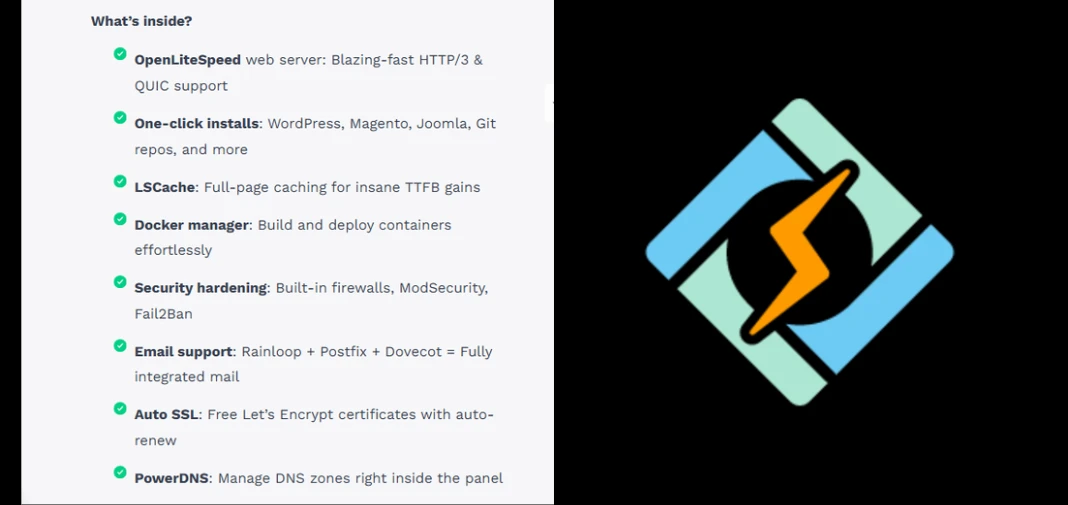
Unlike Apache, the traditional web server powering most cPanel setups, OLS handles PHP through its own LSAPI protocol, which is architecturally faster and draws fewer server resources.
In practical terms, that means faster Time to First Byte (TTFB), better handling of concurrent PHP requests during traffic spikes, and WordPress pages that respond noticeably quicker under load.
cPanel can reach this level of speed, but only by adding the LiteSpeed Enterprise licence on top of the existing panel fee, an extra recurring cost that erodes much of cPanel’s value proposition.
b) LiteSpeed Cache (LSCache) – CyberPanel’s Built-In Superpower
This is the single biggest practical advantage CyberPanel carries for WordPress users.
LSCache is baked directly into the panel – you do not need to purchase WP Rocket or configure W3 Total Cache to get serious caching performance.
LSCache covers full-page caching, database cleanup, image optimisation, and edge caching, all managed from within the control panel.
A typical cPanel setup would cost KES 3,000–10,000+ per year in premium caching plugins to reach comparable results. On CyberPanel, it is included from day one.
This is the primary reason budget-conscious developers consider CyberPanel the stronger choice for WordPress on a VPS.
c) Resource Efficiency
CyberPanel runs comfortably on 1–2 GB of RAM. cPanel typically needs 2–4 GB just to operate without issues.
On a budget VPS, where Truehost’s Kenya Cloud VPS 1 gives you 1 GB RAM at only KES 1,400 per month, CyberPanel leaves considerably more headroom for your WordPress site, database, and actual traffic load.
For Kenyan developers and SMEs running multiple WordPress sites on a single server, that efficiency gap adds up fast.
Why cPanel Remains the Go-To for Many WordPress Hosts
CyberPanel’s performance advantages are real. But cPanel is not going anywhere, and for good reasons.
a) Beginner-Friendliness and Familiarity
cPanel’s icon-based grid is the first control panel most Kenyan developers ever encounter.
The terminology is familiar, the layout is predictable, and tutorials covering virtually every task exist across YouTube, forums, and documentation sites. There is rarely a situation where you cannot find a walkthrough within five minutes.

If you are new to hosting, or if you are handing a site over to a client who needs to manage their own content and emails, cPanel’s learning curve is far gentler.
CyberPanel has a modern, cleaner interface, but it assumes you already have some VPS and server familiarity. If you have never managed a server before, there is a real adjustment period ahead.
b) Email Management
This is cPanel’s clearest win. Its built-in email suite, with Roundcube webmail, SpamAssassin, mailing lists, and forwarders, is mature, well-supported, and easy to set up and hand off to clients.
CyberPanel’s email tools work, but they are limited enough that many users end up offloading email entirely to external services like Google Workspace or MXroute.
That adds both cost and complexity. If your WordPress site runs alongside active business inboxes or relies on transactional email, cPanel is the more reliable choice.
c) Ecosystem and Add-ons
cPanel has been the industry standard for decades, and its ecosystem reflects that. Softaculous handles one-click CMS installs, Immunify360 covers security hardening, JetBackup manages automated backups, and all native integrations with strong commercial backing.
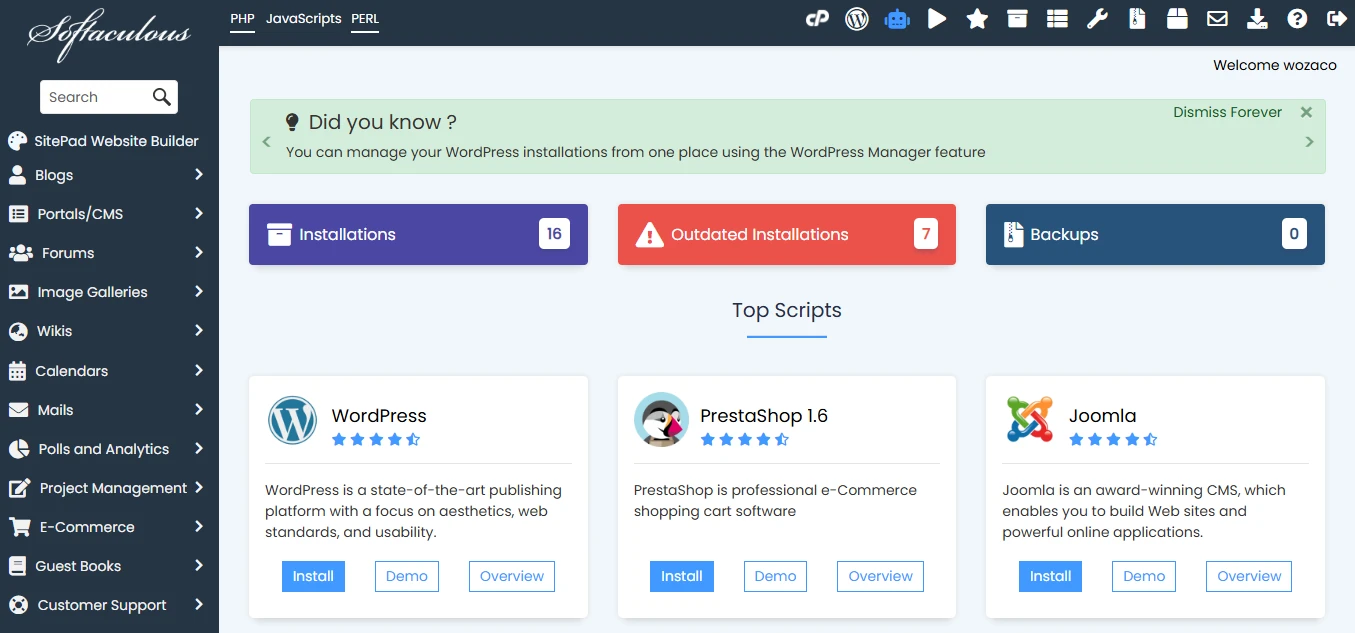
When something breaks, you can open a support ticket directly with cPanel’s team.
CyberPanel relies on community forums and GitHub. The community is active and most common issues have documented solutions, but there is no official paid support channel. For a business-critical hosting environment, that is a meaningful difference.
d) Industry Standard for Client Hosting
If you run a reseller hosting business or manage WordPress sites for clients, cPanel is almost certainly what they expect.
Nearly every major shared hosting provider runs cPanel. Clients who need to log in, check emails, or reset passwords will find it intuitive from day one, with no onboarding required.
So, Is CyberPanel Better Than cPanel For Your Situation?
Choose CyberPanel if:
- You are deploying WordPress on a VPS and performance is your top priority
- You want to avoid monthly panel licence fees
- You are comfortable with basic server and VPS management
- You run multiple WordPress sites across your own portfolio or a small agency
Choose cPanel if:
- You want WordPress hosting that is ready to use immediately, with zero server management
- You are new to hosting and need a familiar, well-documented interface
- You need robust email hosting running alongside your WordPress site
- You manage client sites where clients need to log in and manage their own accounts
CyberPanel Better Than cPanel FAQs
Is CyberPanel better than cPanel for WordPress?
For pure WordPress performance, yes. OpenLiteSpeed and the built-in LSCache deliver faster load times and better traffic handling without extra cost. cPanel can match it, but only by adding a paid LiteSpeed Enterprise licence on top of the existing panel fee.
Can I use CyberPanel on shared hosting?
No. CyberPanel is designed for VPS and cloud servers with root access. It is not available on shared hosting. If you want managed WordPress hosting without server management, shared hosting with cPanel is the better fit.
Does cPanel support LiteSpeed?
Yes, but not by default. LiteSpeed Enterprise is available as a paid add-on. Without it, cPanel runs on Apache or NGINX, which are both slower for WordPress than OpenLiteSpeed on CyberPanel.
Is CyberPanel free forever?
The core version is completely free and open source, with no per-account fees. A paid enterprise version with additional features exists, but the free version covers most WordPress hosting use cases well.
Which panel uses less RAM?
CyberPanel. It runs comfortably on 1–2 GB of RAM. cPanel typically needs at least 2–4 GB for stable operation, which raises your minimum VPS cost.
Can I migrate from cPanel to CyberPanel?
Yes. CyberPanel version 1.8.5 and above includes a built-in migration tool that imports cPanel accounts directly. Upload your cPanel backups, run the restore command, and the tool handles the rest. See the CyberPanel migration documentation for the full steps.
The Verdict: Is CyberPanel Better Than cPanel for WordPress?
CyberPanel wins on speed and cost for self-managed WordPress VPS. cPanel wins on ease and ecosystem for shared or client-facing hosting.
The good news is you do not have to guess. At Truehost, we support both paths with fast deployment, local support, and plans built for Kenyan developers and businesses:
- WordPress Hosting with cPanel – ready to go from day one, free SSL, unlimited email, from KES 188/month
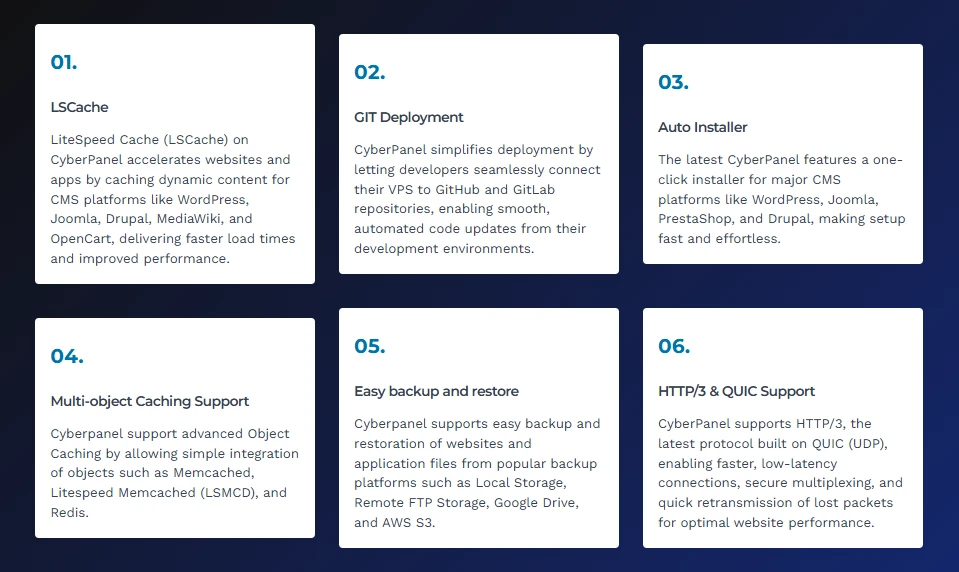
- CyberPanel VPS Hosting – OpenLiteSpeed, LSCache, one-click WordPress installs, full root access, from KES 1400/month
Pick the environment that matches how you actually work.