Domain SearchInstantly check and register your preferred domain name
 Web Hosting
 cPanel HostingHosting powered by cPanel (Most user friendly)
 KE Domains
 Reseller HostingStart your own hosting business without tech hustles
 Windows HostingOptimized for Windows-based applications and sites.
 Free Domain
 Affiliate ProgramEarn commissions by referring customers to our platforms
 Free HostingTest our SSD Hosting for free, for life (1GB storage)
 Domain TransferMove your domain to us with zero downtime and full control
 All DomainsBrowse and register domain extensions from around the world
 .Com Domain
 WhoisLook up domain ownership, expiry dates, and registrar information
 VPS Hosting
 Managed VPSNon techy? Opt for fully managed VPS server
 Dedicated ServersEnjoy unmatched power and control with your own physical server.
 Website Builder
 Online Store BuilderLaunch a professional e-commerce store without writing code.
 Web Design ServiceGet a custom-designed website tailored to your brand and goals. From just KES 15,600
 BlogRead our guides on web hosting, online business, digital marketing, and more
 SupportOur support guides cover everything you need to know about our services
 ContactContact us via chat or email
Even during a sudden traffic spike, your WordPress site should load in under two to three seconds. Anything slower, and you start losing people.
But most site owners do not realize they have a problem until something breaks. So, how do you know when it is time to scale?
If your pages take five seconds or more to load, you notice random slowdowns in the afternoon when traffic picks up, or your hosting support keeps telling you to upgrade your plan, you need to scale.
When your site slows down, Google drops your search rankings. Visitors leave after just a few seconds. Sales and signups disappear, and it hurts your reputation.
Scaling your WordPress site gives it more power to handle more people at once.
It is about preparing your hosting, your code, and your files so that when thousands of people show up on the same day, your site keeps working normally.
Let me show you exactly how to do that.
How to Scale Your WordPress Site for High Traffic
1) Pick a Hosting Plan that Fits Your Needs
It’s totally okay if you started with a shared hosting plan. It is cheap and works fine when you get fifty visitors a day.
But once you hit thousands of visitors, shared hosting becomes insufficient because you are sharing server space with dozens of other sites. If one of them gets a traffic spike, your site suffers.
To scale, you need a VPS or a dedicated server. A VPS gives you your own piece of the server. Your resources are yours alone, and no one can steal your speed.
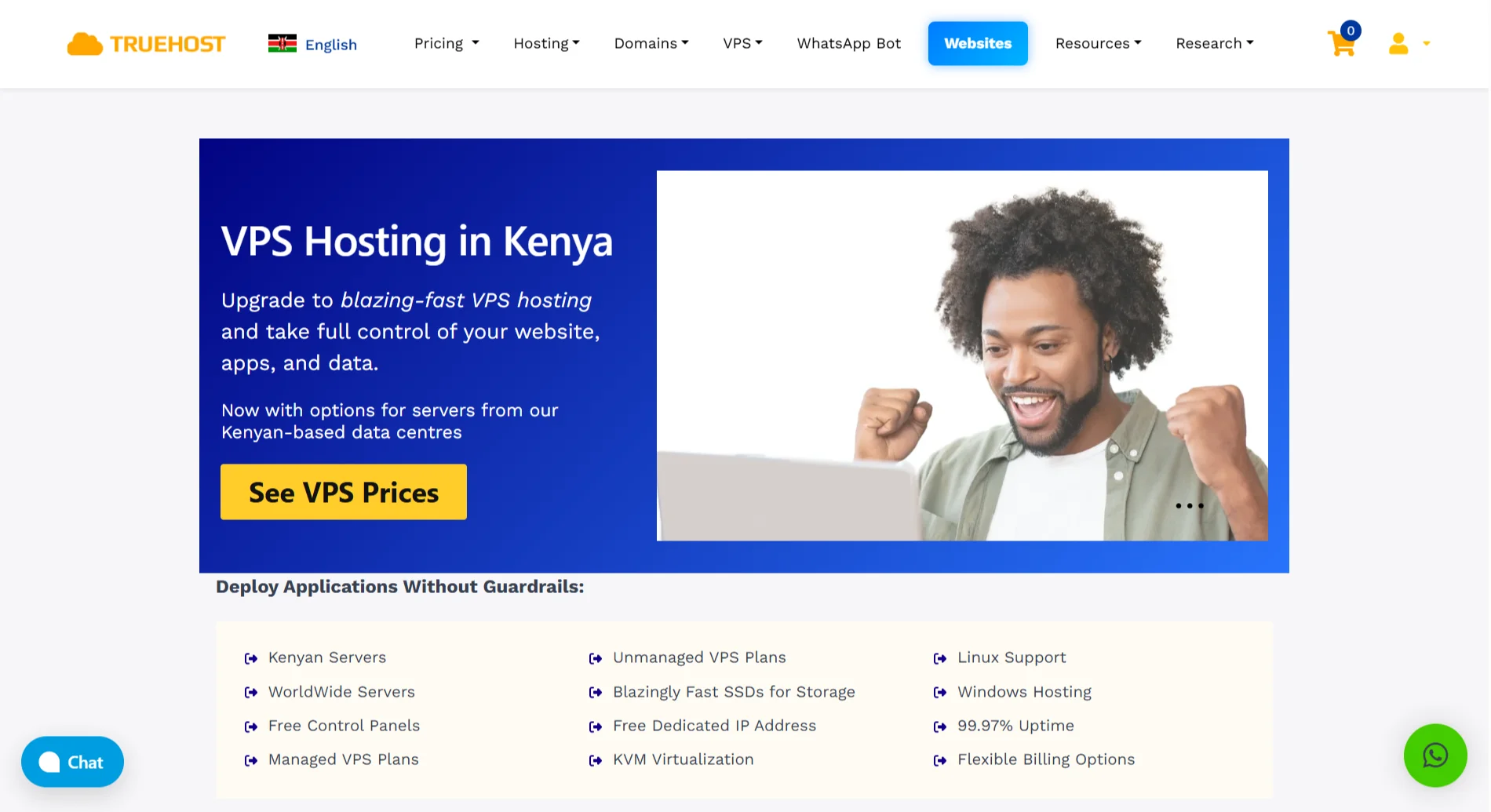
The good thing is that Truehost has great VPS hosting plans that would dig deep into your budget. With just KSh 1400, you can get a reliable VPS hosting plan sufficient for your WordPress site.
2) Boost Your Website’s Loading Speed
Nobody has the time to wait patiently for a slow website to load. Speed is the foundation of scaling. A slow site crashes when traffic increases.
So, start with a lightweight theme. Some themes pack dozens of features you never use. Each feature adds code, which can slow everything down.
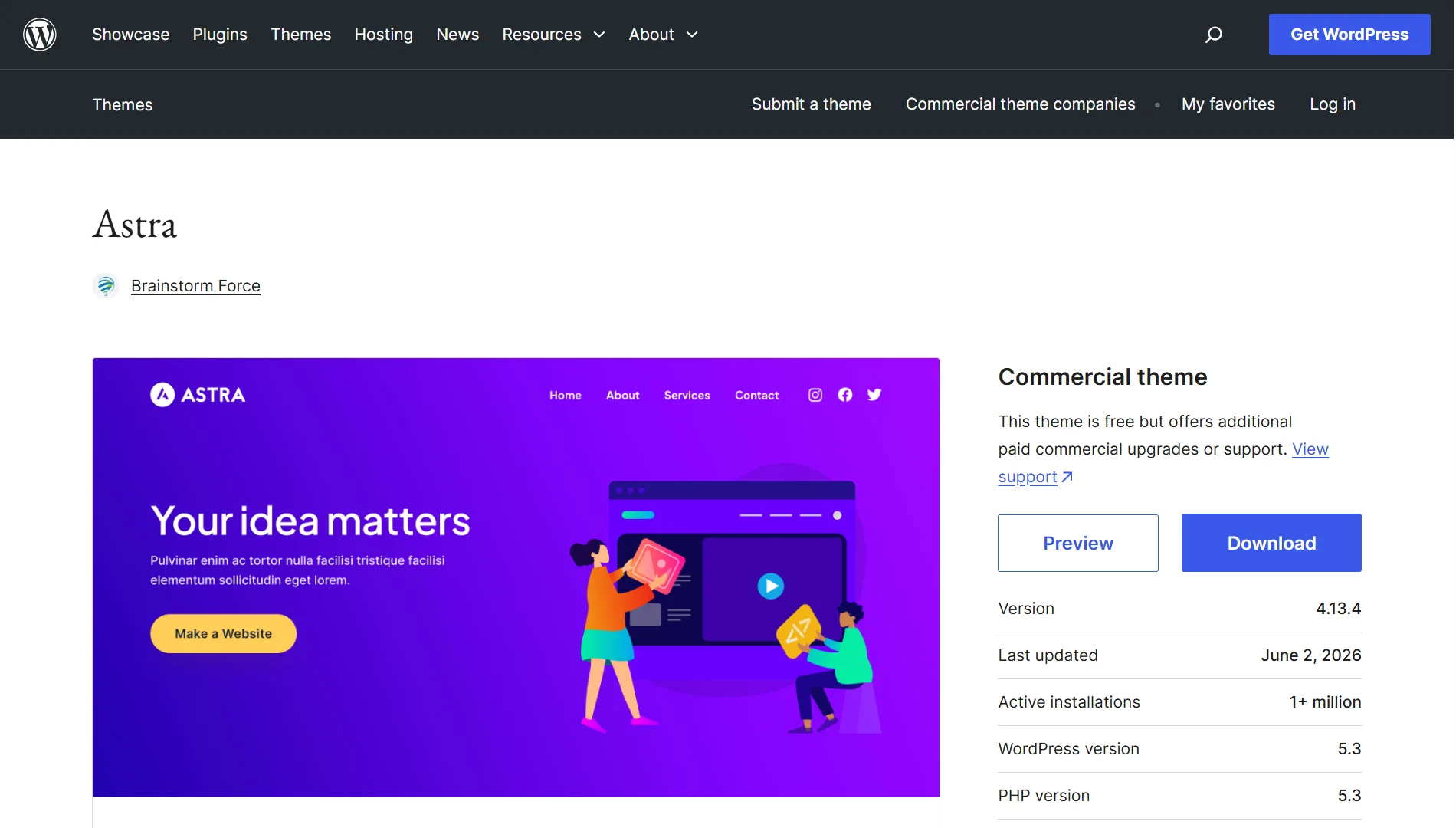
Examples of lightweight WordPress themes include Kadence WP, Astra, and Neve, among others.
Next, look at your plugins. Every plugin adds extra work for your server. Disable and delete any plugin that is not essential.
If two plugins do the same job, keep the lighter one.
Also, enable GZIP compression on your server to reduce the size of your files before sending them to visitors. Their browsers then unzip them for faster loading.
3) Strengthen Your Website’s Security
When you scale up, you become a bigger target. Hackers attack popular sites because the payoff is bigger.
Install a web application firewall. This sits between your site and the internet. It blocks bad traffic before it reaches your server.
Bad traffic includes bots trying to log in, SQL injection attempts, and malicious scripts.
Plus, keep everything updated. WordPress releases updates for a reason. Each update patches security holes.
The same goes for your themes and plugins. Remember, old code is vulnerable.
Don’t forget to use strong passwords and two-factor authentication. A hacked admin account gives attackers full control of your site, so don’t make it easy for them.
4) Ensure Your Database Can Handle Growth
Your database is where WordPress stores all its data. Posts, comments, user data, and settings. Over time, this database gets messy.
When you have old post revisions piling up, spam comments in tables, and transient data from plugins that never get cleaned, all this junk slows down your database.
Install a database cleaner plugin. Run it monthly to remove old revisions, spam, and expired transients.
You can also add indexes to your database tables to help MySQL find data faster.
If your site is very large, consider moving your database to a separate server. This spreads the load and keeps things running smoothly.
5) Choose Themes and Plugins Built for Scalability
Not all code is created equal. Some developers write clean, efficient code while others write bloated code that works fine for a small site but collapses under pressure.
Before installing a theme or plugin, check the reviews. Look specifically for mentions of speed and performance, and see when the developer last updated it.
Also, test each new addition on a staging site before deploying it. A staging site is a copy of your live site where you can experiment safely.
Run a speed test before and after installing. If the new plugin noticeably slows things down, find an alternative.
Avoid page builders that generate massive HTML code. Some popular builders add fifty lines of unnecessary code for a simple button.
6) Install a Caching Tool
You cannot afford to miss out on caching when scaling.
When someone visits your site, WordPress normally runs a bunch of PHP scripts, queries your database, and assembles the page from scratch. That takes work.
Caching saves a copy of that finished page. The next visitor gets that saved copy immediately, without all the processing.
Install a caching plugin like WP Rocket, W3 Total Cache, or LiteSpeed Cache. Configure it to serve static HTML files and enable browser caching so repeat visitors load your site even faster.
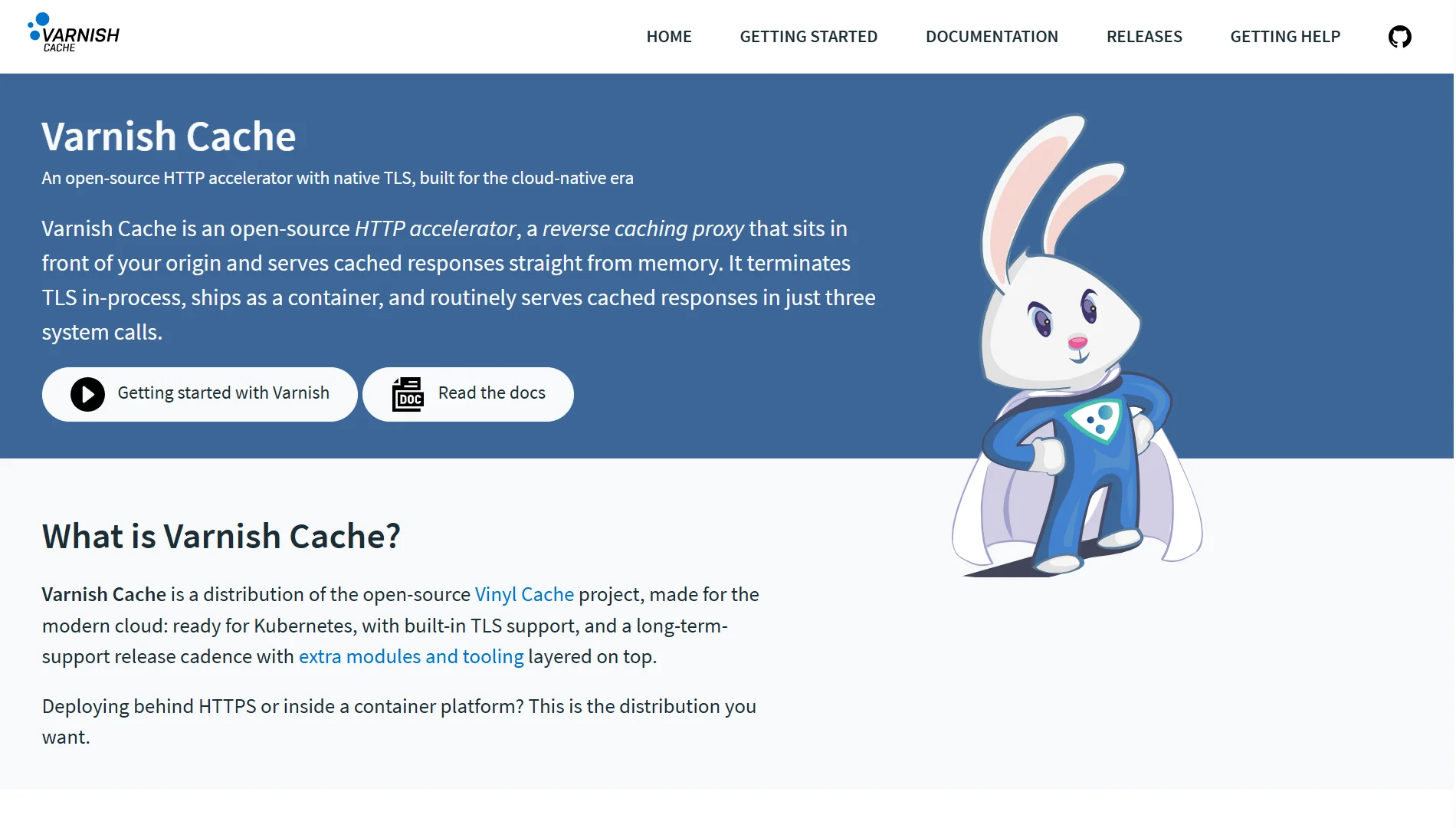
For even better results, use a server-level page cache. Varnish Cache is a popular option that sits in front of your web server and serves cached pages at lightning speed.
7) Set up Load Testing and Auto-scaling for Traffic Spikes
You would not run a marathon without training. So why send your site into a traffic spike without testing first?
Load testing simulates hundreds or thousands of visitors hitting your site at once. Tools like K6, Loader.io, or Apache JMeter do this.
Run a test and watch what breaks. Maybe your database runs out of space at 500 users. Maybe your CPU maxes out at 1,000. You’ll know what to fix.
Auto-scaling takes this to a higher level. With cloud hosting from providers like AWS, Google Cloud, or DigitalOcean, you can set rules.
If CPU usage goes above 80%, automatically add another server. If traffic drops, remove it. Your site scales up and down automatically.
8) Compress and Resize Images Properly
Unoptimized images are the number one reason for slow WordPress sites. A typical phone takes photos that are three to five megabytes each.
Multiply that by ten images per page, and you are asking visitors to download fifty megabytes just to read an article.
That will never be fast.
Before uploading any image, resize it to the exact dimensions you need. If your blog post area is 800 pixels wide, do not upload a 4,000-pixel-wide image.
Use a tool like Photoshop, GIMP, or Squoosh to scale it down.
Then compress the image. Compression removes extra data that your eyes do not see. Tools like TinyPNG or ShortPixel can cut file sizes by 70% without visible quality loss.
Finally, serve images in modern formats like WebP. These formats are smaller than JPEG and PNG, and most browsers now support them.
How to scale your WordPress site for high traffic FAQs
Is WordPress outdated in 2026?
No. WordPress still powers over 40% of all websites. The software gets regular updates and remains a solid choice for blogs, business sites, and even large publications like TechCrunch and The New Yorker.
Why are people leaving WordPress?
Some users move to simpler platforms like Squarespace because they find WordPress too complex and don’t want to deal with theme customization. Others switch to static site generators for raw speed.
Can WordPress handle heavy traffic?
Yes, because WordPress itself is not the issue. Your hosting and how you configure your site determine what it can handle. With proper optimization and a good host, WordPress can handle millions of visitors per month.
Can I scale a WordPress site in a day?
You can make basic improvements in a day. Install caching, optimize images, and clean your database. That will help, but true scaling takes planning. You need to test, monitor, and adjust over time.
Can ChatGPT build a WordPress website?
ChatGPT can provide code snippets and advice, but it cannot log in to your hosting account, install WordPress, or configure your settings. Use it as a helper, not a builder.
Which is better, Wix or WordPress?
WordPress gives you more control and scales better. Wix is easier for absolute beginners, but limits you as you grow. For high traffic, WordPress wins every time.
Get VPS Hosting to Scale WordPress Site
You have read all the tips, and you know what to do to scale your WordPress site. But none of it works without the right hosting foundation.
At Truehost, we understand how important it is to get hosting right for a WordPress site.
We offer VPS hosting built for WordPress sites that are growing.
You don’t have to share resources with strangers anymore or deal with mysterious slowdowns at peak hours.
Our Kenya Cloud VPS plans:
| Plan | Price | Specs |
| Cloud VPS 1 | KSh 1400/month | 1 vCPU, 1 GB RAM, 25 GB SSD, 1 TB transfer |
| Cloud VPS 3 | KSh 2800/month | 1 vCPU, 2 GB RAM, 50 GB SSD, 2 TB transfer |
| Cloud VPS 3 | KSh 5600/month | 2 vCPU, 4 GB RAM, 100 GB SSD, 6 TB transfer |
Your site doesn’t have to crash. Pick a plan and let’s help you scale your site as your business grows.